Topaz Video AI 7 Lifetime License for Windows

Enhance, upscale, denoise, stabilize, and restore your videos using advanced AI technology. Topaz Video AI 7 helps creators improve video quality with powerful AI models while preserving natural details. Get your lifetime license with instant digital delivery and free installation support.

⭐ Rated 4.9/5 by verified customers
🔒 Secure Checkout • Instant Access • Lifetime License
Topaz Video AI 7 Lifetime License for Windows

What is Topaz Video AI 7?

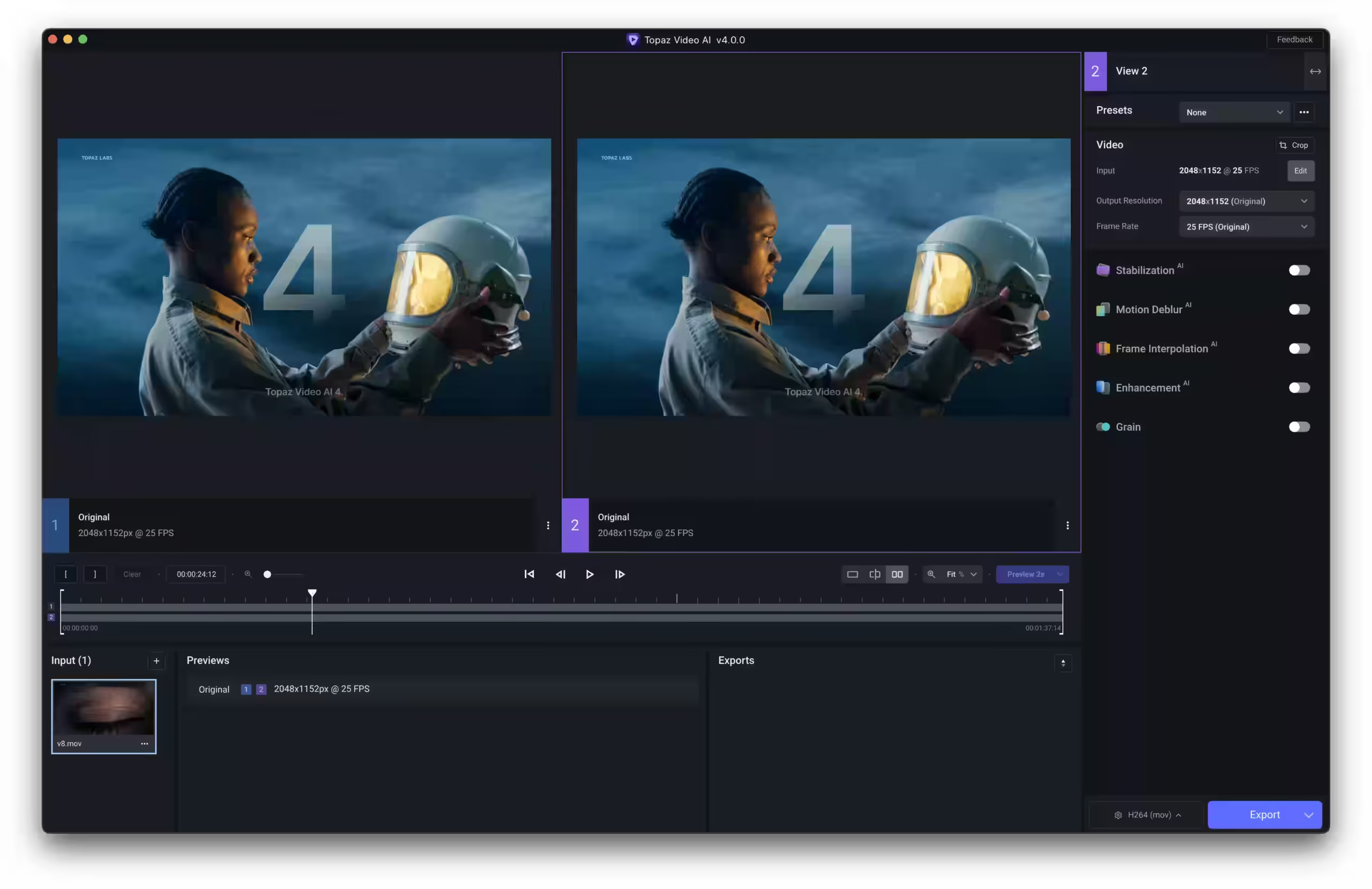
Topaz Video AI 7 is a professional AI-powered video enhancement software designed for Windows users. It uses advanced machine learning models to upscale videos, remove noise, sharpen details, stabilize shaky footage, and improve frame rates while maintaining natural image quality. Whether you’re a content creator, filmmaker, YouTuber, or video editor, Topaz Video AI helps transform low-quality footage into professional-looking videos.

Powerful AI Features

Professional-grade video enhancement at your fingertips

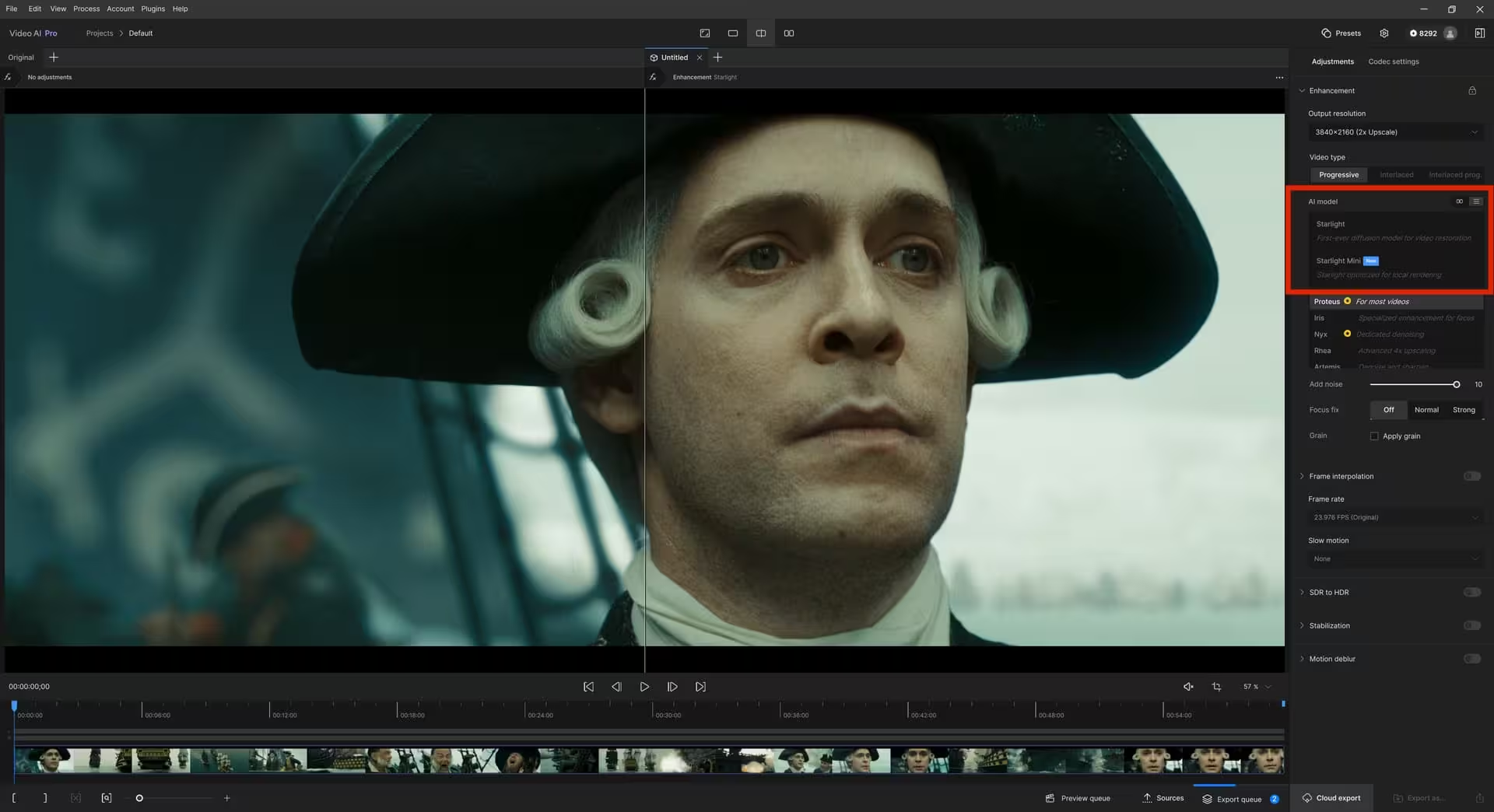
AI Video Enhancement

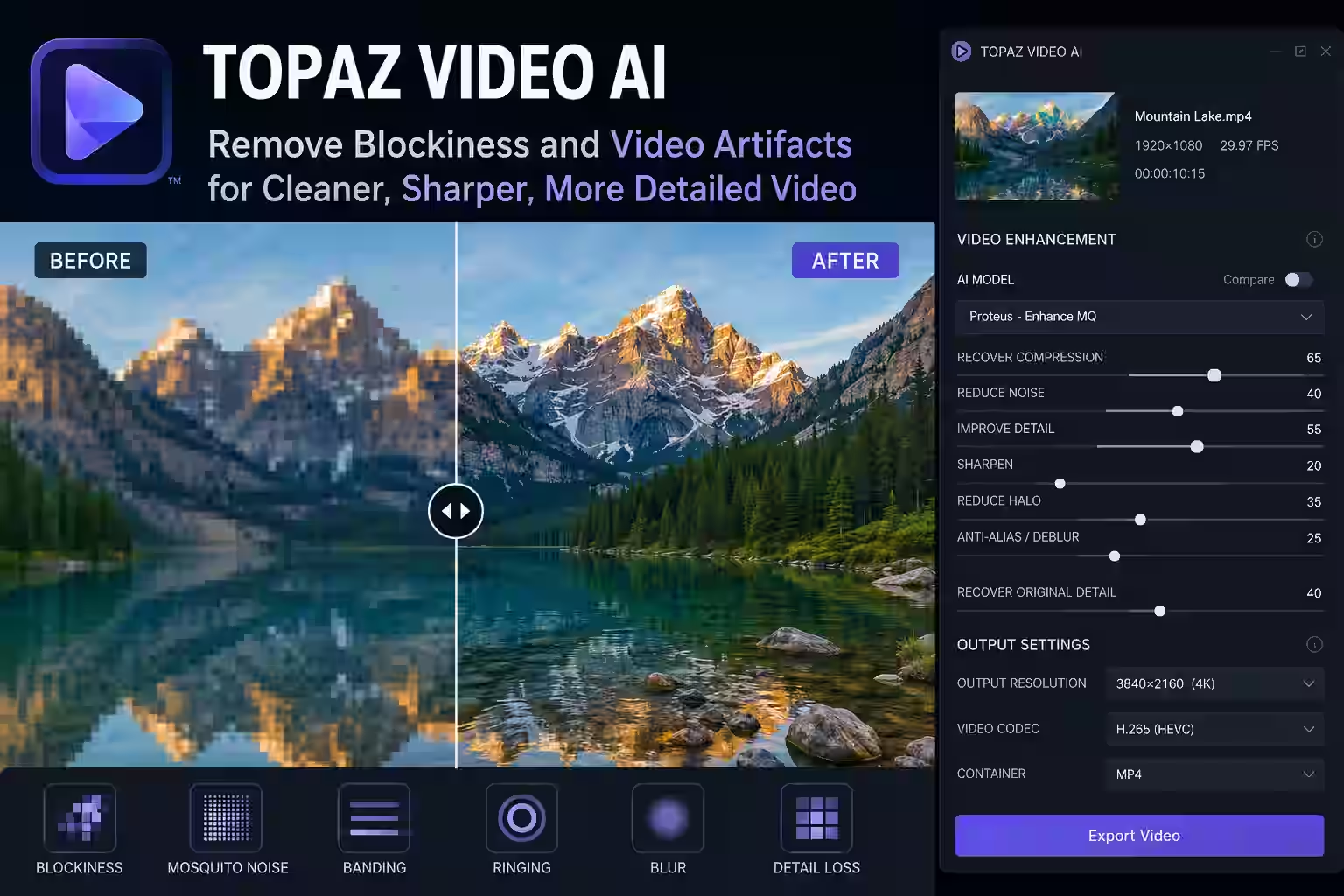
Improve low-quality videos using advanced AI models that restore sharpness, enhance fine details, reduce compression artifacts, and produce cleaner, more natural-looking footage without sacrificing quality.

Intelligent Upscaling

Upscale SD, HD, and Full HD videos to stunning 4K, 8K, or even 16K resolution while preserving textures, edges, and natural details through AI-powered enhancement technology.

Video Stabilization

Correct shaky footage with intelligent motion analysis that creates smoother, more professional videos while minimizing unwanted camera movement and preserving image quality.

Advanced Denoising

Remove digital noise, grain, and compression artifacts from old or low-light videos while maintaining facial details, textures, and realistic colors.

GPU Acceleration

Benefit from optimized GPU acceleration for NVIDIA, AMD, and Intel graphics cards, allowing faster AI processing and significantly reduced rendering times.

One-Click Processing

Process videos easily with intuitive AI presets designed for beginners and professionals, delivering high-quality results in just a few clicks.

AI Video Enhancement

Why Choose Topaz Video AI?

Topaz Video AI 7 System Requirements

Topaz Video AI 7 performs best on modern Windows systems equipped with a dedicated NVIDIA or AMD graphics card. For faster AI processing and smoother rendering, we recommend using an SSD and at least 32 GB of RAM.

Operating System

Windows 10 & Windows 11 (64-bit)

Processor

Intel Core i5 / AMD Ryzen 5 & Intel Core i7 / Ryzen 7 or newer

Graphics Card

6 GB VRAM & NVIDIA RTX Series (8 GB+ VRAM)

Storage

30 GB Free Space & SSD with 50 GB+ Free Space

Who Is This Software For?

Topaz Video AI is designed for anyone who wants to improve video quality using artificial intelligence. Whether you’re restoring old footage, creating YouTube content, producing marketing videos, or editing professional projects, Topaz Video AI provides powerful tools to achieve outstanding results.

Video Editors

Enhance low-resolution footage, remove noise, upscale videos to 4K, 8K, or 16K, and achieve professional-quality results with advanced AI-powered editing tools.

YouTubers

Create sharper, cleaner, and more engaging YouTube videos by improving video quality, reducing compression artifacts, and increasing resolution with AI.

Filmmakers

Restore old footage, stabilize shaky camera movements, improve image clarity, and deliver cinematic-quality videos for professional productions.

Content Creators

Produce high-quality videos for TikTok, Instagram, Facebook, and other social media platforms with AI-powered enhancement and fast processing.

Marketing Agencies

Create professional promotional videos, advertisements, and client presentations with enhanced video quality that captures attention and increases engagement.

Online Educators

Improve online courses and educational videos by making lessons clearer, sharper, and easier to watch for students across all devices.

See The Difference

Transform low-quality footage into stunning 4K/8K masterpieces

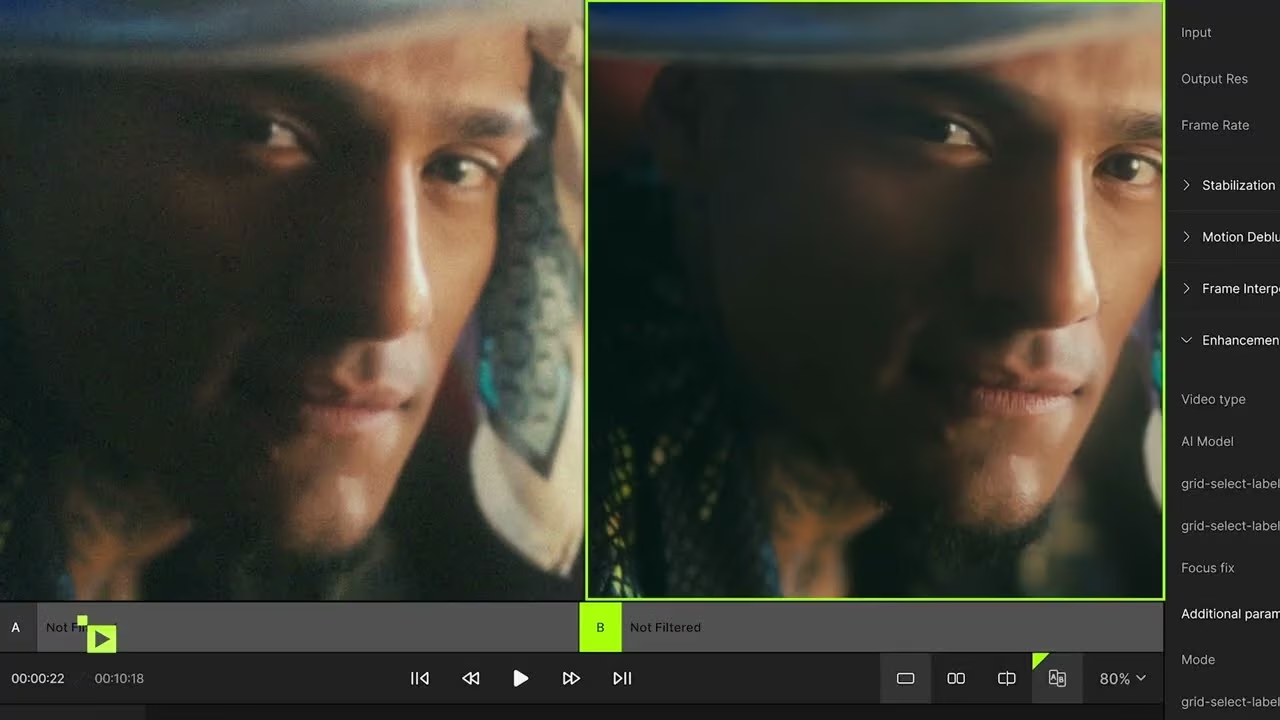
Before EnhancementAfter Enhancement

What's Included

Everything you need to get started immediately

Full Software Download

Complete installation package for Windows

Lifetime Activation Key

Permanent license with no expiration or renewals

Installation Guide

Step-by-step instructions for seamless setup

Instant Delivery

Download link and activation key sent immediately

Limited Time Offer - Save $5 with OFF05

Ready to Transform Your Videos?

0 Days
0 Hours
0 Minutes
0 Seconds
Topaz Video AI 7

Topaz Video AI 7 Lifetime License Key for Windows

$699 - $49.99

Why Buy From Us

Your trusted source for digital software

Trusted Digital Store

Verified seller with thousands of satisfied customers

Best Price Guarantee

Competitive pricing with lifetime access included

Instant Delivery

Download link sent immediately after purchase

Payment Methods

We accept all major payment methods, credit/debit cards and PayPal

24/7 Support

Expert assistance whenever you need help

Secure Payments

Protected checkout with advanced industry-standard encryption

Customer Reviews

See what our customers are saying

"This software completely transformed my old family videos. The AI enhancement is truly remarkable!"

— Michael Chen

"As a content creator, Topaz Video AI has become essential to my workflow. Worth every penny!"

— Sarah Johnson

"The upscaling quality is mind-blowing. Can't believe how much detail it recovers from old footage."

— David Martinez

Trustpilot Topaz Video AI reviews

Frequently Asked Questions

Everything you need to know

Topaz Video AI 7 is an advanced AI-powered video enhancement software for Windows that helps improve video quality using machine learning. It can upscale low-resolution videos to 4K, 8K, and even 16K, reduce digital noise, stabilize shaky footage, increase frame rates, and restore fine details while maintaining a natural look. It is widely used by video editors, filmmakers, YouTubers, and content creators.
Yes. This product includes a lifetime license, allowing you to use the software without recurring monthly or yearly subscription fees. Once activated, you can continue using the software permanently according to the included license terms.
After your payment is successfully completed, your order is delivered digitally. You’ll receive your download instructions, activation information, and everything you need to install the software. Delivery is typically completed within a few minutes.
Absolutely. Every purchase includes free installation support. If you experience any difficulties during installation or activation, our support team is available to help you complete the setup process quickly and ensure the software is working correctly.
Topaz Video AI 7 requires a 64-bit version of Windows 10 or Windows 11, at least 16 GB of RAM, and a modern multi-core processor. For the best performance, we recommend using a dedicated NVIDIA, AMD, or Intel GPU with sufficient VRAM and installing the software on an SSD with adequate free storage.
Topaz Video AI can significantly improve video quality by upscaling resolution, removing digital noise and compression artifacts, sharpening details, stabilizing shaky footage, increasing frame rates, and restoring older or low-quality videos. Its AI models are designed to produce clean, natural-looking results suitable for both personal and professional projects.
Topaz Video AI is suitable for a wide range of users, including professional video editors, filmmakers, YouTubers, content creators, marketing agencies, online educators, and anyone who wants to enhance the quality of their videos using AI technology. The software is designed to be easy enough for beginners while offering advanced capabilities for experienced users.
Yes. The software is fully compatible with both Windows 10 and Windows 11 (64-bit). For the best experience, we recommend keeping Windows and your graphics drivers updated to ensure optimal AI processing performance.
A lifetime license provides long-term value by eliminating recurring subscription costs. Instead of paying monthly or annually, you make a single purchase and continue using the software according to the license terms. This makes it an economical choice for creators and professionals who regularly work with video enhancement.

Topaz Video AI Guides & Tutorials

Learn how to install, configure, and get the best results with Topaz Video AI. Browse our detailed guides and tutorials below.

Subscribe to our emails

Join our email list for exclusive offers and the latest news.

Secure Payment

Secure payment Topaz Video AI